
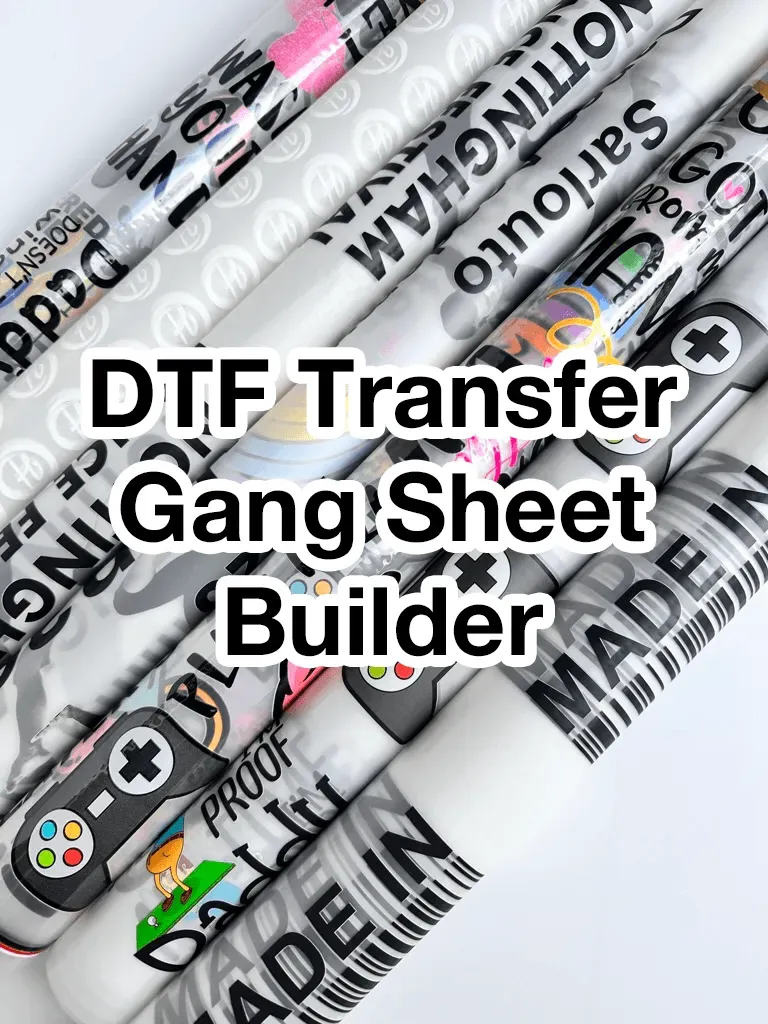
DTF gangsheet builder has transformed how designers assemble multiple transfers into a single production-ready file for modern studios, and it integrates with popular design pipelines, supports multiple file formats, and preserves artwork quality from concept to print. By pairing grid-based layouts with precise margins, it streamlines the DTF gang sheet design process and minimizes manual fiddling, even for large catalogs and frequent revision cycles. With a single export, you move from concept to a print-ready sheet, cutting lead times, reducing errors, and enabling quick iteration across collections, seasonal drops, and campaigns. Adopting this tool can boost DTF printing efficiency for designers by standardizing spacing, color management, asset placement, and file naming, with documentation and training included. In this article, you’ll learn what it is, why it matters, and how to implement an effective workflow that scales from a single tee to an entire line, including tips, checklists, and real-world examples.
Beyond the term gangsheet, designers can think of a sheet-spanning design engine that groups motifs, colorways, and text into one printable canvas. A robust sheet-assembly tool supports drag-and-drop placement, automatic alignment, and scalable templates, helping teams move from inspiration to production without juggling dozens of files. Used in conjunction with a clear production workflow, this approach reduces setup time, minimizes mistakes, and preserves visual consistency across garments and accessories. By adopting a print-layout planner for transfers, teams can experiment with variations, compare color outcomes, and forecast material usage before any fabric is printed.
Understanding DTF Gang Sheet Design for Scalable Layouts (DTF gang sheet design)
In the realm of apparel customization, a scalable DTF gang sheet design starts with a clear grid and repeatable rules. By organizing multiple designs on a single sheet, you maximize material usage and streamline the production process. The goal is to create a layout that can accommodate variations—different sizes, colorways, and artwork—without introducing chaos or misalignment across transfers.
A well-planned DTF gang sheet design emphasizes precise margins, gutters, and bleed areas so every transfer sheet prints consistently. When designers adopt a grid-driven approach, they reduce manual tweaking and ensure that every element aligns neatly from concept to press. This is particularly important for maintaining a cohesive look across a catalog of products.
How to Create a DTF Gang Sheet: A Step-by-Step Guide (how to create a DTF gang sheet)
Starting with a clear objective helps you map out the entire gang sheet. Define the product line, target sizes, and the number of designs you intend to fit on each sheet. Gather all assets—logos, illustrations, and typography—and prepare color guidelines. This upfront planning is essential for an efficient workflow and reduces the need for late-stage revisions.
Next, set up the gang sheet template with a grid that matches your production footprint. Place designs, text, and notes on separate layers, and decide on margins, gutters, and bleed. As you arrange variations and colorways, use alignment tools and auto-fit features to maximize space while preserving legibility. Export a single print-ready file that your printer can reproduce reliably.
DTF Transfer Printing Workflow: Where the Gang Sheet Fits In (DTF transfer printing workflow)
The DTF transfer printing workflow begins with asset creation—logos, illustrations, typography—and moves into gang sheet layout. By consolidating multiple designs on one sheet, you create a single print run that minimizes setup time and reduces handling of individual transfer files. This workflow emphasizes consistency, color fidelity, and efficient file management from design to production.
Once the gang sheet is finalized, production teams export a print-ready file with embedded color profiles and correct bleed. The sheet then moves through the actual transfer process, where precise alignment and accurate color reproduction are critical. A well-structured workflow helps maintain quality across substrates and ensures that the final transfers press cleanly every time.
DTF Gangsheet Builder: A Powerful Gang Sheet Design Tool for Designers (DTF gangsheet builder / gang sheet design tool)
A DTF gangsheet builder acts as a centralized design tool that helps designers arrange multiple designs into a single, production-ready sheet. It provides alignment guides, fixed grids, and consistent export settings to speed up the concept-to-sheet process. This tool is especially valuable for teams managing large catalogs, where consistency and repeatability are paramount.
Key features to look for include a robust grid system, auto-alignment, color management presets, and easy export formats. A good gang sheet design tool should also support collaboration, versioning, and seamless imports from popular design suites. With these capabilities, designers can scale their catalogs with confidence while maintaining brand consistency across products.
DTF Printing Efficiency for Designers: Boosting Output Through Smarter Layouts (DTF printing efficiency for designers)
DTF printing efficiency for designers hinges on reducing setup time, minimizing misprints, and streamlining asset handoffs. A well-constructed gang sheet consolidates designs into one print file, cutting the number of separate runs and enabling quicker iterations. This efficiency translates into faster time-to-market and more opportunities to test variations before finalizing a collection.
To maximize efficiency, adopt master sheets with common sizes and positions, maintain a clear naming convention for assets, and keep a centralized color library. Documenting your workflow with checklists also reduces revision cycles and ensures the team can reproduce results consistently across different projects.
Common Pitfalls in DTF Gang Sheets and How to Avoid Them (DTF gang sheet design)
Color drift across sheets is a frequent challenge in DTF gang sheets. A robust color management workflow, including proofs on the actual substrate, helps ensure consistent output. Regular printer calibration and embedded color profiles in export files further minimize surprises during production.
Misalignment after transfer, slow handoffs, and messy exports are common pain points. To avoid these, lock critical guides in your gang sheet, implement precise bleed and margin controls, and standardize an export package that includes all assets and a sheet layout guide. Clear documentation reduces errors and accelerates handoffs between design and production teams.
Frequently Asked Questions
What is a DTF gangsheet builder and how can it boost DTF printing efficiency for designers?
A DTF gangsheet builder is a specialized tool or workflow that arranges multiple designs onto a single gang sheet with grid guides, margins, bleeds, and print-ready settings. It speeds up setup, improves consistency across designs, and reduces misprints, boosting DTF printing efficiency for designers. As a gang sheet design tool, it also helps scale catalogs and streamline handoffs to production.
How to create a DTF gang sheet using a gang sheet design tool?
Start with a clear objective and gather all assets (logos, artwork, colors). Use a gang sheet design tool to set up a grid, margins, and bleed, then place and arrange designs on the sheet. Validate spacing and color guidelines, then export a single print-ready file (and any required assets) for production. This approach follows standard practice for how to create a DTF gang sheet and supports consistent results.
What is the DTF transfer printing workflow when using a gangsheet builder?
The DTF transfer printing workflow with a gangsheet builder typically starts with asset creation, proceeds to layout on the gang sheet, moves through color management and proofing, and ends with exporting a print-ready file for the printer. The builder helps enforce gutters, color profiles, and printer-specific export settings, reducing errors and speeding production.
What features should I look for in a DTF gangsheet builder or gang sheet design tool?
Look for a grid-based layout with adjustable columns and gutters, auto-alignment and snapping, color management presets and previews, bleed and margin controls, and flexible export options. Collaboration features and integration with design tools (Illustrator, Photoshop) are also valuable for consistency and speed.
How does a DTF gangsheet builder help manage color and alignment across designs?
A DTF gangsheet builder provides color management previews and embedded profiles to ensure consistency across substrates. It offers alignment tools, snapping, and fixed guides to maintain precise spacing and placement across all designs on a sheet, reducing misalignment during transfer.
What practical tips help maximize DTF printing efficiency for designers when using a gangsheet builder?
Plan a master sheet with common sizes and positions, then adapt for variations rather than starting from scratch each time. Test proofs, use clear naming conventions, maintain a color library, and document the workflow to reduce revisions and accelerate production, boosting DTF printing efficiency for designers.
| Aspect | Key Points |
|---|---|
| What it is | A DTF gangsheet builder is a tool/workflow that arranges multiple designs into one gang sheet with alignment guides, bleed areas, and print-ready settings to speed production and ensure consistency. |
| Core benefits | Faster concept-to-sheet workflows, improved consistency across designs, and better print efficiency. Also reduces material waste and provides a clear view of the design catalog for planning and marketing. |
| Workflow overview | Asset creation → gangsheet layout → export a single print-ready file. Supports color profiles, gutters, and standard print settings to produce production-ready output. |
| Why designers should care | Addresses scale (many designs), color management, and collaboration. Centralized branding rules help maintain a cohesive look across products. |
| Practical workflow (steps) | 1) Define objective; 2) Gather assets and color guidelines; 3) Set up the gang sheet template; 4) Place designs and adjust; 5) Validate print readiness; 6) Export; 7) Iterate and scale. |
| Key features to look for | Grid-based layout with adjustable columns/rows; auto-alignment/snapping; color management presets/preview; bleed and margin controls; variable design placement; export formats with color profiles; collaboration; integration with design tools. |
| Practical tips for efficiency | Plan master sheets; keep layouts simple; test proofs; use consistent naming; maintain a color library; document workflow. |
| Common challenges & solutions | Color drift: robust color management and on-substrate proofs; misalignment: precise bleed/margins/grid; slow handoffs: standard export packages and clear guides. |
| Real-world use cases | Useful in seasons with many designs: e.g., 20–30 designs in various colorways on a single sheet to accelerate time-to-market; beneficial for artists selling prints or graphic tees. |